Blog
Markdown on Windows, one task at a time
Guides for working with Markdown on Windows: opening .md files, previewing them, exporting to PDF and Word, and how MarkPad++ compares with other editors.
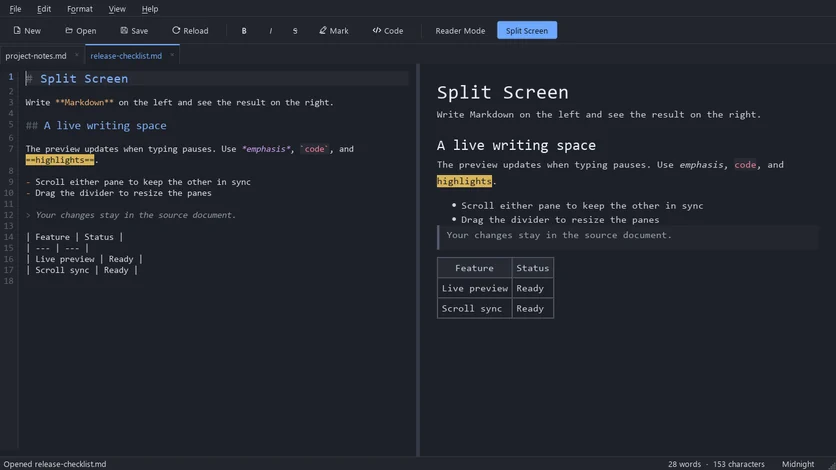
Write Markdown on the left and watch it render on the right. MarkPad++ 1.0.4 adds Split Screen: a free, offline live preview for Windows with synced scrolling.
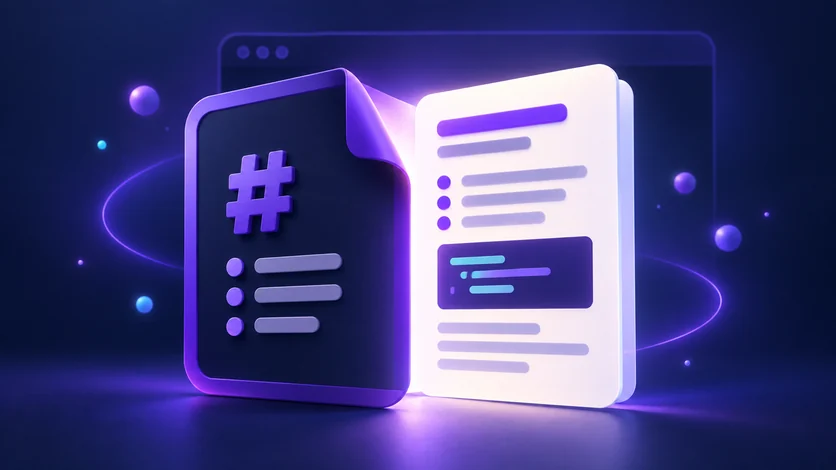
Learn how to open, read, and edit .md files on Windows with MarkPad++, then set it as your default Markdown app for easy access.
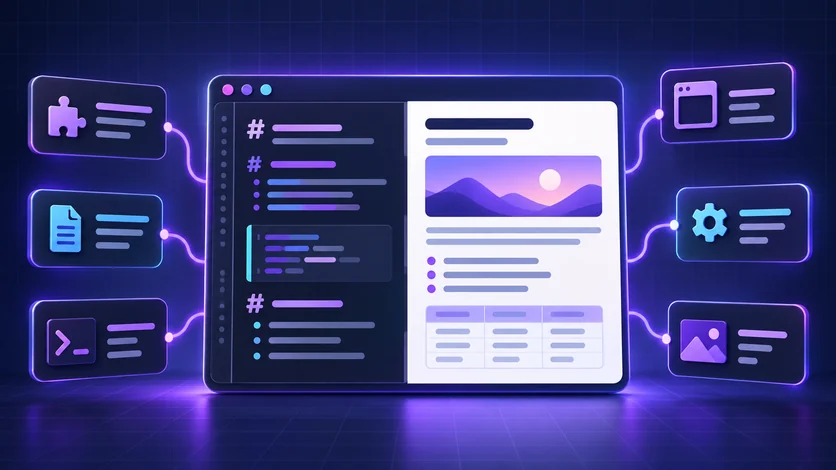
Looking for a Notepad++ Markdown preview? Explore MarkPad++, Markdown Panel, VS Code, and Typora to find a comfortable way to read and edit .md files.

Looking for a free Typora alternative on Windows? Meet MarkPad++: a Markdown editor with live preview, tabs, and offline export to PDF and Word.
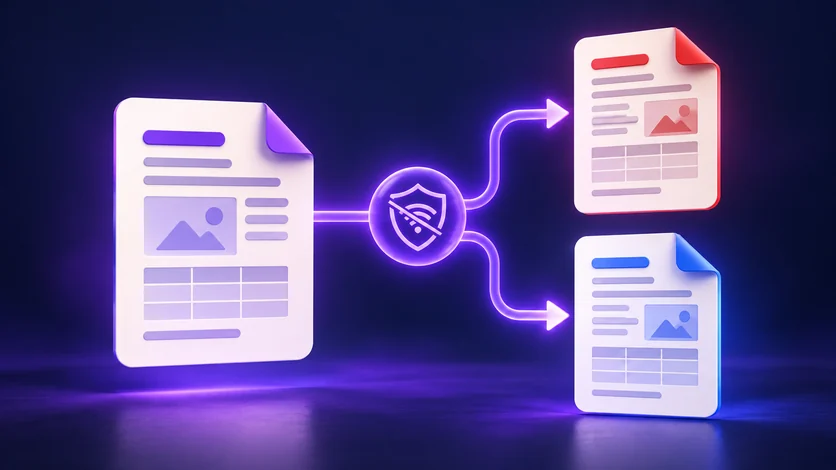
Convert Markdown to PDF or Word offline with MarkPad++. Export formatted .md files locally, with no uploads or Microsoft Word installation required.

An honest Markdown editor comparison: MarkPad++ strengths, missing Mermaid and LaTeX support, Windows-only availability, and where other editors do more.
Every article
Each one is also available as its Markdown source, the format the app is built for.
- A Markdown Editor with Live Preview for Windows — Write Markdown on the left and watch it render on the right. MarkPad++ 1.0.4 adds Split Screen: a free, offline live preview for Windows with synced scrolling. (.md)
- How to Open a .md File on Windows — Learn how to open, read, and edit .md files on Windows with MarkPad++, then set it as your default Markdown app for easy access. (.md)
- Notepad++ Markdown Preview: Plugins and Alternatives — Looking for a Notepad++ Markdown preview? Explore MarkPad++, Markdown Panel, VS Code, and Typora to find a comfortable way to read and edit .md files. (.md)
- A Free Typora Alternative for Windows: Meet MarkPad++ — Looking for a free Typora alternative on Windows? Meet MarkPad++: a Markdown editor with live preview, tabs, and offline export to PDF and Word. (.md)
- Convert Markdown to PDF or Word Offline on Windows — Convert Markdown to PDF or Word offline with MarkPad++. Export formatted .md files locally, with no uploads or Microsoft Word installation required. (.md)
- MarkPad++ vs VS Code, Typora, Obsidian, and Notepad++ — An honest Markdown editor comparison: MarkPad++ strengths, missing Mermaid and LaTeX support, Windows-only availability, and where other editors do more. (.md)